Smart Home Upgrades for Existing Apartments: A Practical Guide

Buying a ready-to-move flat does not mean giving up modern technology. Most smart home upgrades for existing apartments need no rewiring and little...
Buying a ready-to-move flat does not mean giving up modern technology. Most smart home upgrades for existing apartments need no rewiring and little or no drilling, and many can be removed if you move or let the home later. Done well, they make daily life easier, add security, and appeal to tenants. Below, we cover the upgrades that deliver the most value in a completed apartment, how they work alongside systems already in place, what to check with the owners' association, and a sensible order for adding them to a home such as those at Misty Waters in Hebbal.
Start With What the Home Already Has
Completed premium estates often include useful systems. At Misty Waters, every home has a video door phone with intercom, concealed copper wiring with modular switches, and 100% diesel generator back-up for homes and common services. Security cabins at the entries and perimeter cameras cover the estate.
That base matters. Back-up power keeps routers, cameras, and smart devices online during outages, which makes smart upgrades far more reliable than in homes without it.
Video Door Phone Intercom Apartments: Building on It
Many video door phone intercom apartments systems work well but stay unconnected to phones. Two approaches add remote access. Some modern intercom panels offer app-based models that connect to the existing wiring; check compatibility with the estate's system and the association's rules first. Alternatively, a separate smart doorbell camera at your front door lets you see and speak to visitors from anywhere, while the building intercom continues to handle calls from the main gate.
Smart Locks for Flats India: What to Know
Smart locks for flats India buyers choose usually offer keypad, fingerprint, app, or card access, often alongside a mechanical key. They let you grant temporary codes to cleaners, cooks, or guests, and log who entered and when. When choosing one, check that it fits your door's thickness and existing lock cut-out, runs on replaceable batteries with low-battery alerts, and includes a mechanical override. At Misty Waters, main doors have an 8 ft opening with a wooden frame and shutter, so most retrofit smart locks designed for wooden doors should fit, but confirm the measurements before buying.
Smart Home Upgrades for Existing Apartments: The Best Value
Beyond entry, these upgrades deliver the most for the money:
Upgrade | What it does | Installation |
|---|---|---|
Mesh Wi-Fi | Stronger signal across all rooms, useful for work calls | Plug-in units |
Smart plugs | Remote control and scheduling for geysers, lamps, and appliances | Plug-in |
Smart bulbs or switches | App and voice control of lighting, scenes, and schedules | Bulb swap or switch replacement by an electrician |
Smart air-conditioner controllers | Remote control and scheduling of existing split units | Plug-in or battery units |
Leak and smoke sensors | Alerts for water leaks near bathrooms and kitchens, and smoke | Battery, stick-on |
Indoor cameras | Checking on pets, children, or an empty home | Plug-in |
Start with mesh Wi-Fi, since every other device relies on a stable connection and a weak signal undermines everything else.
Energy Savings and Comfort
Smart devices can trim bills as well as add convenience. Scheduling the geyser through a smart plug, so it heats water only before morning showers, cuts wasted energy. Smart air-conditioner controllers can switch units off when rooms are empty and pre-cool bedrooms shortly before bedtime. Occupancy-based lighting in corridors and balconies avoids lights left on overnight. Since back-up power at Misty Waters is metered and charged to each home, trimming consumption during outages also reduces generator bills.
Privacy and Security Settings
Connected devices need sensible settings. Change default passwords, turn on two-factor login where available, and keep firmware updated. Place indoor cameras thoughtfully, avoiding bedrooms and bathrooms, and tell domestic staff and guests where they are. Choose brands that store footage securely and let you delete recordings. A separate guest Wi-Fi network for smart devices adds another layer of protection for your laptops and phones.
Check With the Association First
In a gated estate, some changes affect shared systems. Ask the owners' association before altering the intercom, drilling into external walls, or installing outdoor cameras facing common areas. Many associations are supportive, but rules protect neighbours' privacy and the building's fabric. Keep a record of any approvals.
Upgrades That Help at Resale or Rental
Tenants increasingly expect good Wi-Fi coverage and smart locks, particularly professionals relocating to nearby offices such as Manyata Embassy Business Park, about 2.5 km away. Removable upgrades let you take devices with you when you move, while fixed upgrades such as smart switches can add appeal when you let or sell the home. Our guide to Prestige construction quality and materials covers the underlying specification, and our look at low-density and high-density towers considers how building design affects daily life.
A Sensible Order of Work
Begin with connectivity, then entry, then comfort. Install mesh Wi-Fi, add a smart lock and doorbell camera, then smart plugs and lighting in the rooms you use most, and finally sensors in kitchens and bathrooms. Spread purchases over a few months to learn what you actually use. See the specifications at Misty Waters, where resale prices are shared on request.
Related reading: Prestige construction quality and materials | Low-density vs high-density apartments | Specifications on the homepage | Book a site visit with our team
FAQs
Do smart upgrades need rewiring?
Most don't; mesh Wi-Fi, smart plugs, bulbs, and sensors simply plug in or stick on.Can I connect the existing video door phone to my phone?
Sometimes, with a compatible app-based panel; otherwise add a separate smart doorbell camera.Will a smart lock fit my door?
Most retrofit locks fit wooden doors; check thickness and the existing lock cut-out first.Do I need association approval?
For changes to shared systems or outdoor cameras facing common areas, yes.What should I install first?
Mesh Wi-Fi, since other devices depend on a stable connection.
Related Articles

Living Near Nagavara Lake Lumbini Gardens: The Green Edge of Kempapura
Open water is rare along the Outer Ring Road (ORR), which is why the stretch around Nagavara Lake stands out. Living near Nagavara Lake Lumbini...
Imported Marble vs Vitrified Tiles for Flats: Which to Choose
Flooring sets the tone of a home more than almost any other finish, and it is one of the hardest to change later. The imported marble vs vitrified...
Listed Real Estate Developer Benefits for Buyers: Why Listing Matters
When two developers offer similar homes, buyers often look for a tiebreaker, and a stock-market listing is one worth understanding. The listed real...
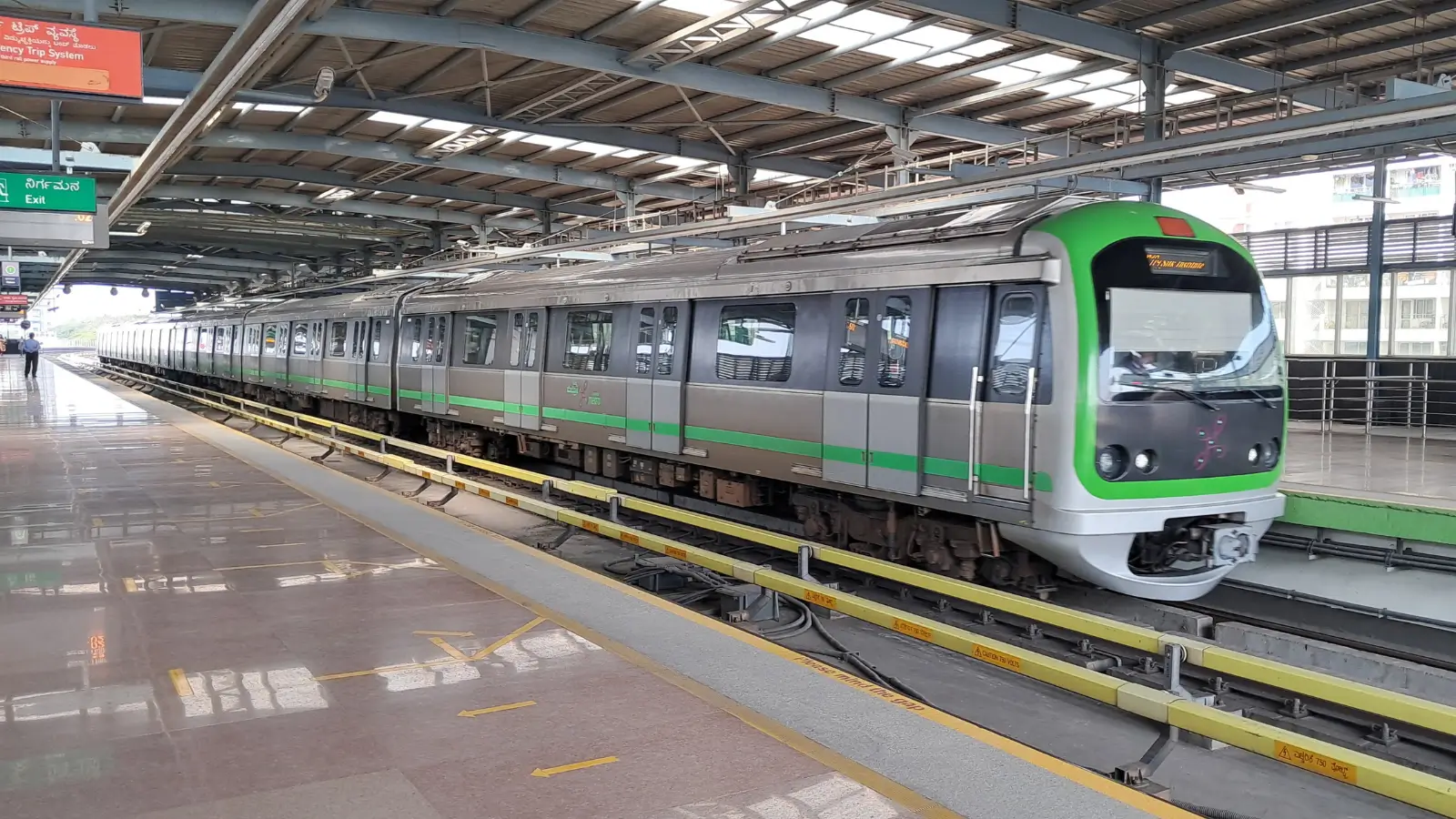
How Will Metro Affect Property Prices in Hebbal?
Metro lines change how people move, and over time they change where people want to live. With the Blue Line airport corridor under construction...